I build on Saturdays, which is just one focused day a week where I sit down and actually move my projects forward, because spreading the work across weekday evenings after teaching never really happens. Most of what I make gets built in these single concentrated days: NudgeCue, the classroom management tool I've been building as a hobby project, a couple of smaller sites, and the content that goes around them. Here's exactly how I run them.
Capture everything with voice notes during the week.
The fastest way to waste a build day is spending the first hour deciding what to build. So nothing gets decided on Saturday. I basically ideate throughout the week like this.
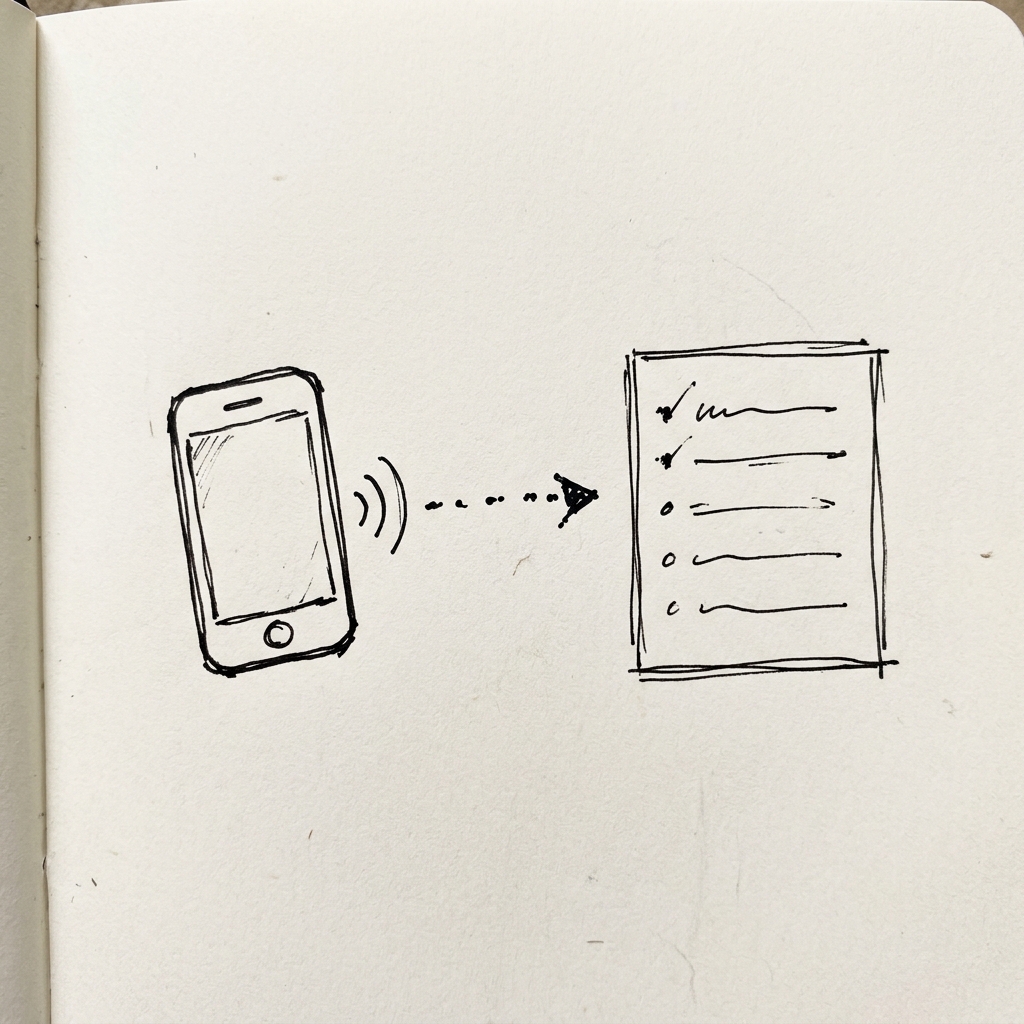
Whenever something occurs to me during the week, such as a bug I noticed, a feature idea mid-lesson, or something I want to test, I record a quick voice note. The Notes app transcribes it automatically and keeps a running list. There is no dedicated task app, no switching context. I just speak, and by Saturday I've got ten concrete things already organized.
Saturday: pull it all together and hand it off.
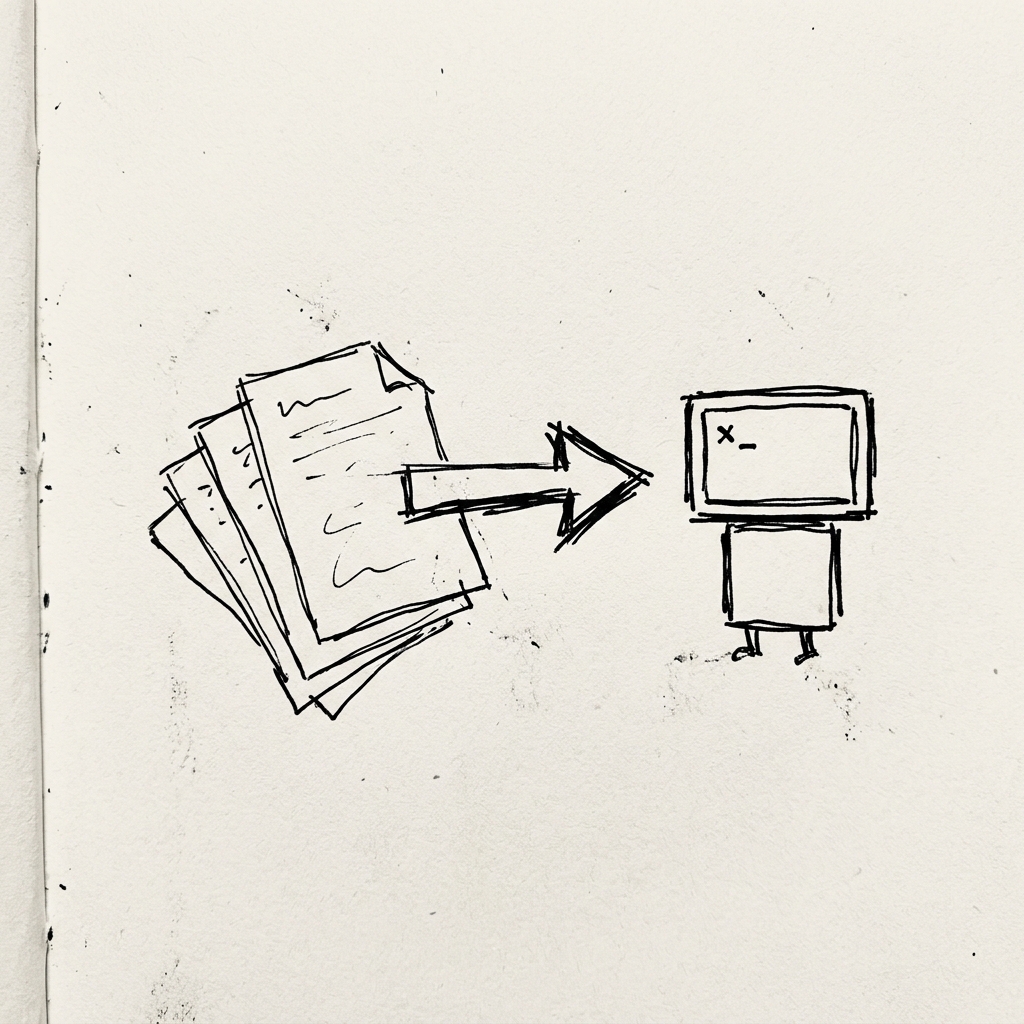
On Saturday, I open what's been building up in the Notes app all week, and Claude creates separate files for each task, such as blog posts, TikTok scripts, and code changes, and writes instructions for Claude Code on what to do with each one. Then I bring that into Claude Code and let the agents run.
Could I skip the Claude web app and go straight to Claude Code? Probably. But having that intermediary step where everything gets organized and separated before execution makes the whole day feel more organized. It's an extra step, but it works for me.
Scope each task tightly before it runs.
If you include vague instructions, your results will be vague. Every task follows the same pattern: one sentence on what it is, what already exists and which files it touches, requirements as a numbered list, and a line on what not to change. The ten minutes you spend being specific upfront reliably save an hour of cleanup.
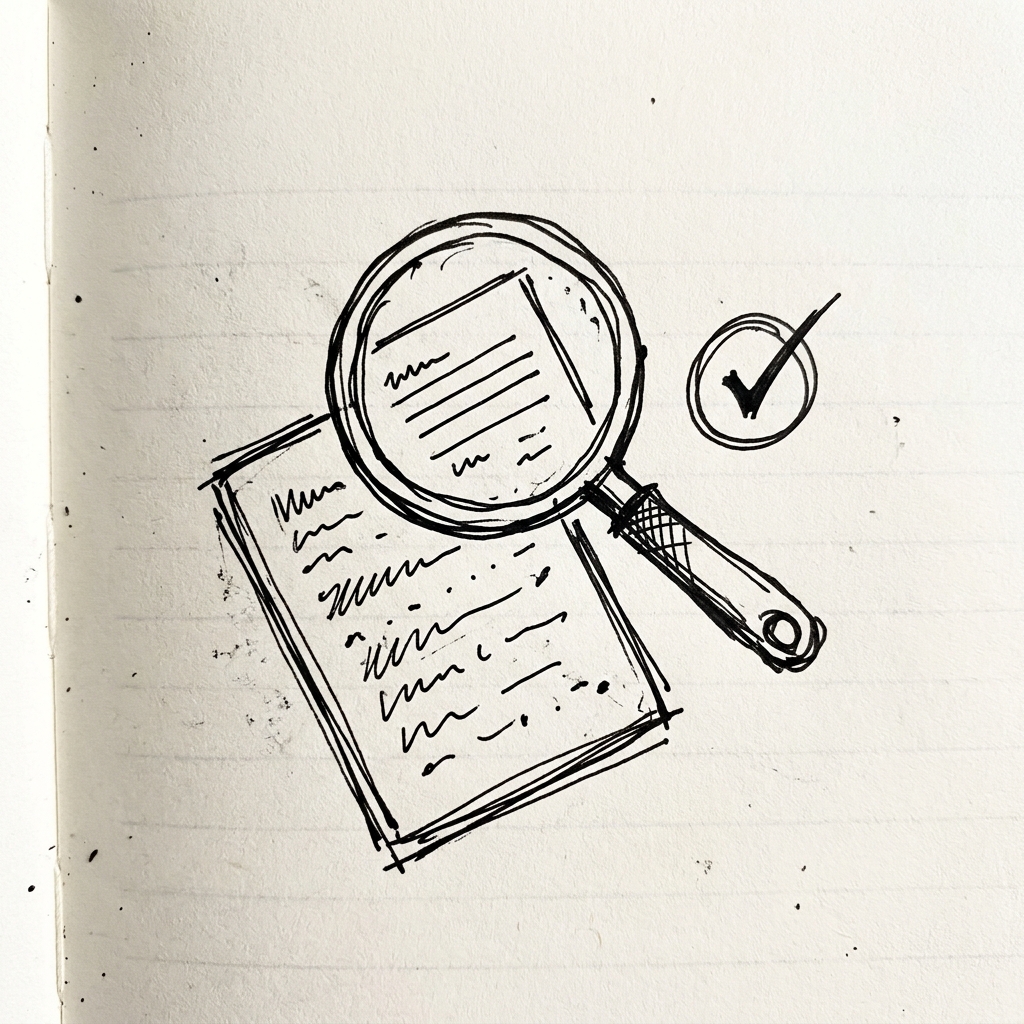
Let the agents run, then check everything anyway.
The agents work through the tasks, committing and pushing as they go. You can give approval for them to keep working autonomously and walk away or scroll Instagram while you observe the agents do their work.
And this is important: you still have to be a part of the process, because the agents can miss something or interpret it differently from what you imagined.
Today is a good example. Everything committed, everything pushed. Then I actually looked at NudgeCue and found: the seating chart text I'd asked to be made larger had gotten smaller. The attendance records still weren't wrapping text correctly and weren't filling the screen properly. And a tier evolution feature (where students can evolve their avatar when they move up a tier set by the teacher) hadn't landed right either.
None of that showed up until I tested it. The automation handles the execution, but the checking and cross-checking is still up to you. The Quality Audit is well worth your time, honestly. Sometimes it takes me hours to audit, and before I know it, I’ve spent 8-10 hours on my build day.
What I use
- Claude (web app): voice note transcription, weekly list, task file generation
- Claude Code: execution, agents handle different task types in parallel
- Git: everything committed and pushed per session
Have a question about the workflow, or running your own build day differently? Come find me on Instagram or X. I'd love to hear how you run yours.